

You can unsubscribe from the newsletter at any time.
There are two ways to do this:
Go to the Subscriptions section in your profile settings after logging into your account.
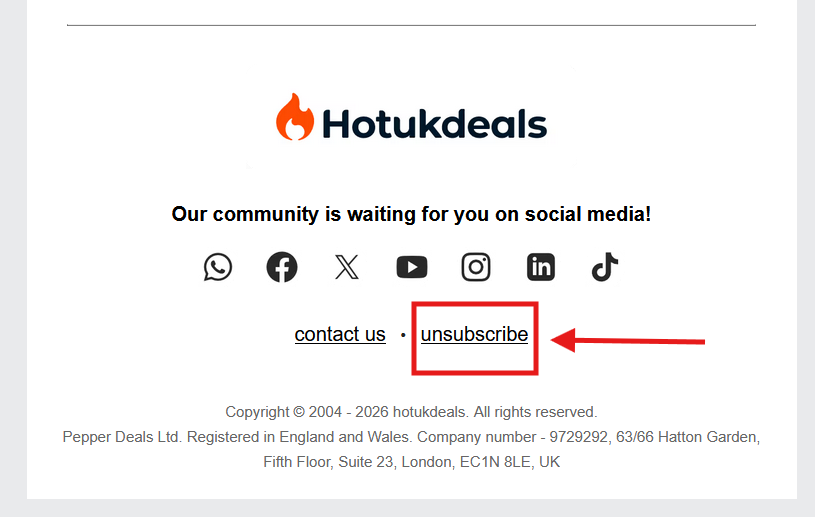
Open any newsletter email fully (not in preview mode) and click the unsubscribe link at the bottom of the email.
Please note that it can take a short time for changes to take effect. If you continue to receive newsletters after unsubscribing, please contact our support team so we can investigate further.
If you need to speak to one of our on-site support teams, click here to message them.